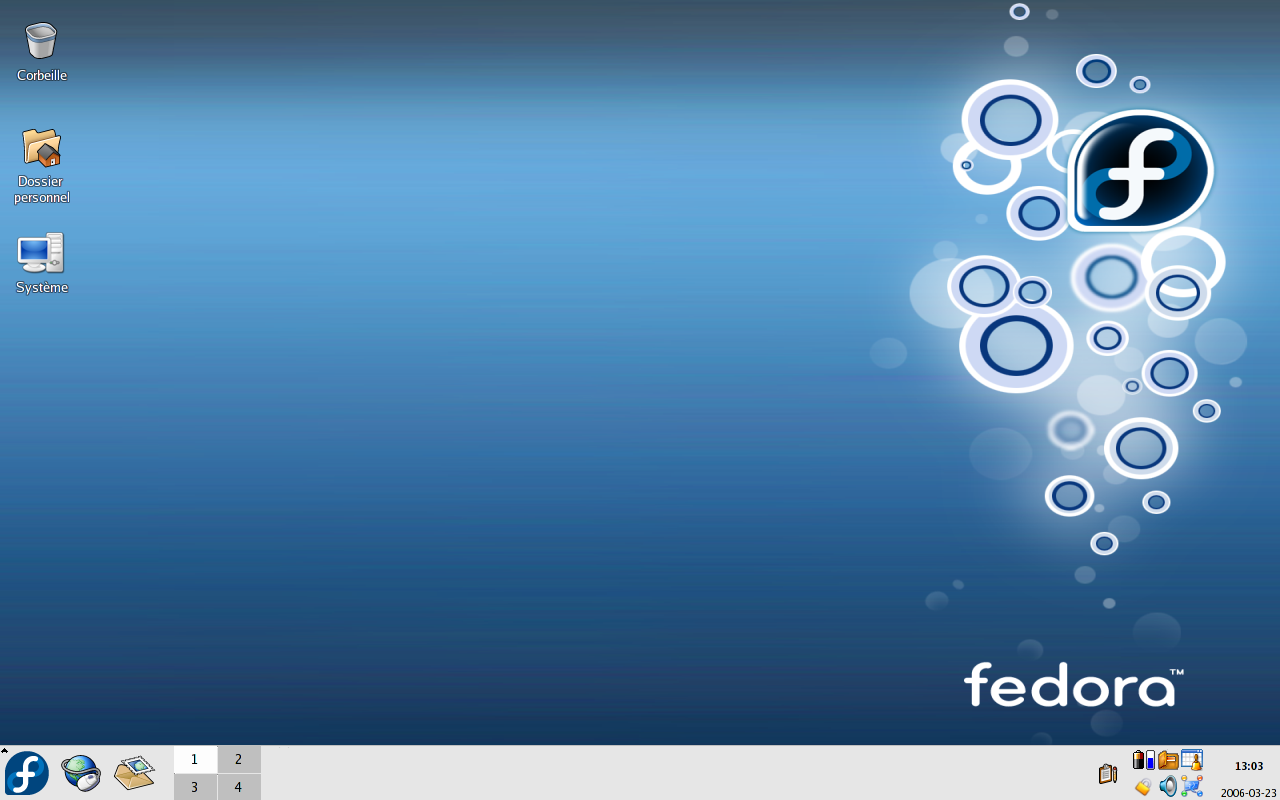
Fedora Linux OS: The Complete Beginner-Friendly Guide
If you’ve spent any time browsing Linux forums, you’ve probably run into the name Fedora. Indeed, people praise it again and again for being cutting-edge, stable, and genuinely enjoyable to use. But what actually is the Fedora Linux OS? And is it the right choice for you? Let’s break it down without the jargon.
What Is Fedora Linux OS?
Fedora Linux OS is a free, open-source operating system built on the Linux kernel. The Fedora Project develops it. In addition, this community of volunteers and developers gets major backing from Red Hat. IBM, in turn, owns Red Hat. Basically, think of Fedora as a testing ground for new ideas. Eventually, those ideas flow into Red Hat Enterprise Linux (RHEL), which is one of the most widely used commercial Linux platforms in the corporate world.
Fedora first launched back in 2003. Since then, the team has refined it every six months, so a new release lands like clockwork. Because of this rapid release cycle, people love it. As a result, you’re never far from the newest software, security patches, and kernel improvements.
Why Do People Choose Fedora Linux OS?
There’s no single “best” Linux distribution. Instead, it really depends on what you need. Still, Fedora has earned a loyal fan base for a few solid reasons.
1. It Stays Genuinely Up to Date
Some Linux distributions, for example Debian Stable, prioritize rock-solid stability over newness. Fedora, on the other hand, leans the other way and stays current instead. Specifically, new versions of the Linux kernel, the GNOME desktop, developer tools, and system utilities show up in Fedora faster than almost anywhere else. So, if you like the latest features without a long wait, this matters a lot.
2. It’s a Favorite Among Developers
Walk into any tech meetup, and you’ll likely find someone running Fedora on their laptop. This is especially true for developers who work with containers, cloud-native tools, or fast-moving programming languages. After all, Fedora ships with strong support for tools like Podman and GNOME Builder. Plus, you also get up-to-date compilers and language runtimes right out of the box.
3. Strong Focus on Open Source Principles
Fedora takes a firm stance on free and open-source software. Compared to some competitors, it actually goes further. For instance, you won’t find proprietary codecs or drivers bundled in by default. Instead, you’ll usually need to add a repository like RPMFusion for things like certain video codecs or NVIDIA drivers. Naturally, purists love this philosophy. However, it does mean a bit of extra setup for everyday multimedia use.
4. Backed by Red Hat, Built by the Community
Since Fedora acts as the upstream source for RHEL, it benefits from serious engineering resources. At the same time, community contributors still steer the project. Therefore, you get corporate-grade reliability testing without losing that open, community-driven feel.
Key Features of the Fedora Linux OS
Here’s a quick rundown of what makes Fedora tick under the hood:
- GNOME as the default desktop — For instance, Fedora Workstation ships with a clean, modern GNOME experience, while other editions offer KDE Plasma and more.
- DNF package manager — Specifically, Fedora uses DNF, and increasingly the newer DNF5, to install, update, and remove software, built on the RPM packaging format.
- SELinux security by default — Notably, Security-Enhanced Linux is on out of the box, whereas most other distros leave this extra protection layer off.
- Multiple editions for different needs — In other words, Fedora isn’t just one operating system; rather, it comes in several flavors, such as Workstation for desktop use, Server, IoT, CoreOS for containerized workloads, and desktop “Spins” like KDE Plasma and Xfce.
- Flatpak and Btrfs support — Additionally, modern app sandboxing via Flatpak brings better isolation, and the Btrfs filesystem, used by default in recent releases, makes system snapshots easier.
- Six-month release cycle — Overall, a new major version drops roughly twice a year, and each release gets support for about 13 months.
Fedora vs. Other Linux Distributions
Here’s a simplified way to compare Fedora against other popular options:
- Fedora vs. Ubuntu — Although both are beginner-friendly and well-documented, Ubuntu tends to offer broader driver and codec support out of the box, while Fedora sticks closer to open-source purity and newer software versions.
- Fedora vs. Debian — Whereas Debian is famous for extreme stability and infrequent releases, Fedora trades a bit of that stability for staying noticeably more current.
- Fedora vs. Arch Linux — Because Arch is a rolling-release distro, it demands more manual setup and Linux know-how. By contrast, Fedora offers similarly recent software, but with a gentler learning curve and a guided installer.
Is Fedora Linux OS Good for Beginners?
Honestly, yes, with one small caveat. First, Fedora’s installer, called Anaconda, is straightforward. Also, the GNOME desktop feels intuitive, and Fedora Project documentation is thorough, too. So, if you’ve used Windows or macOS before, you’ll find your footing quickly.
That said, newcomers often mention one adjustment: the multimedia codec situation. Specifically, streaming services, certain video formats, and some hardware drivers may not work perfectly right after install. Because of this, you’ll likely need to enable the RPMFusion repository to smooth things over. Fortunately, it’s a quick, one-time fix. Still, it’s worth knowing about before you dive in.
How to Get Started with Fedora Linux OS
Getting Fedora up and running is simpler than most people expect. Here’s how:
- First, download the Fedora Media Writer tool from the official Fedora Project website.
- Next, grab a USB drive, at least 4GB, and use the tool to create a bootable “Live” version of Fedora.
- Then, boot from the USB drive on your computer to try Fedora first; nothing gets installed or changed until you say so.
- Finally, run the installer if you like what you see, following the guided steps to install Fedora alongside or in place of your current OS.
Meanwhile, Fedora’s recent releases keep improving the installer and the out-of-the-box experience. In particular, each new version focuses on smoother installs, updated package managers, and refreshed desktop environments.
Who Should Use Fedora Linux OS?
Overall, Fedora tends to be the best fit for:
- Developers and engineers who want current tools without compiling everything from source
- Linux enthusiasts who like staying close to upstream software updates
- People who value open-source software philosophy
- Anyone comfortable with a small learning curve in exchange for a modern, well-maintained system
On the other hand, it might suit you less if you want a completely hands-off experience that “just works” with everything. Similarly, the same goes if you need very long-term support without frequent upgrades. In that case, try Ubuntu LTS or Debian Stable instead.
Final Thoughts
Altogether, the Fedora Linux OS strikes a genuinely appealing balance. Not only does it feel modern, but it also stays community-driven and carries serious engineering muscle behind it. Furthermore, it respects open-source values while staying approachable for people who aren’t Linux wizards. Maybe you’re a developer chasing the newest tools. Or maybe you’re a student learning the ropes of open-source systems. Or perhaps you’re just tired of forced updates and bloatware. Either way, Fedora deserves a serious look.
So, give it a spin on a USB drive. Then, poke around and see if it clicks. Worst case, you learn something new about Linux. Best case, you find your new daily driver.